

As a supplier of 800G OSFP SR8 products, I understand the frustration that comes with encountering failures in these high - performance optical transceivers. In this blog, I'll share some practical troubleshooting steps to help you address issues when your 800G OSFP SR8 fails.
1. Initial Checks
Before delving into complex troubleshooting, it's essential to perform some basic checks. First, visually inspect the 800G OSFP SR8 module and its connections. Ensure that the module is properly seated in the transceiver slot. A loose connection can often lead to signal loss or intermittent operation.
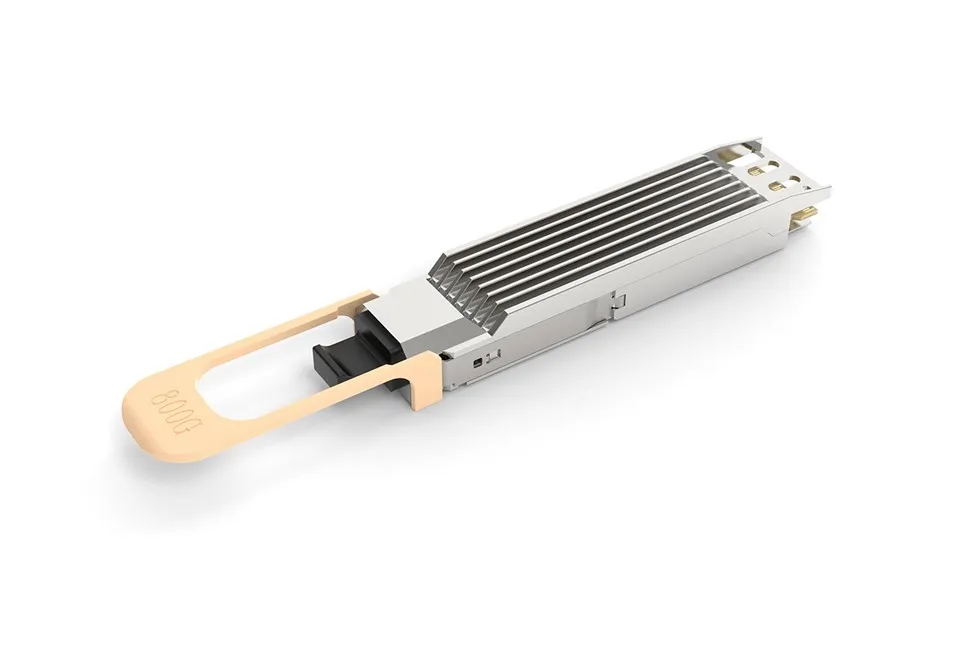
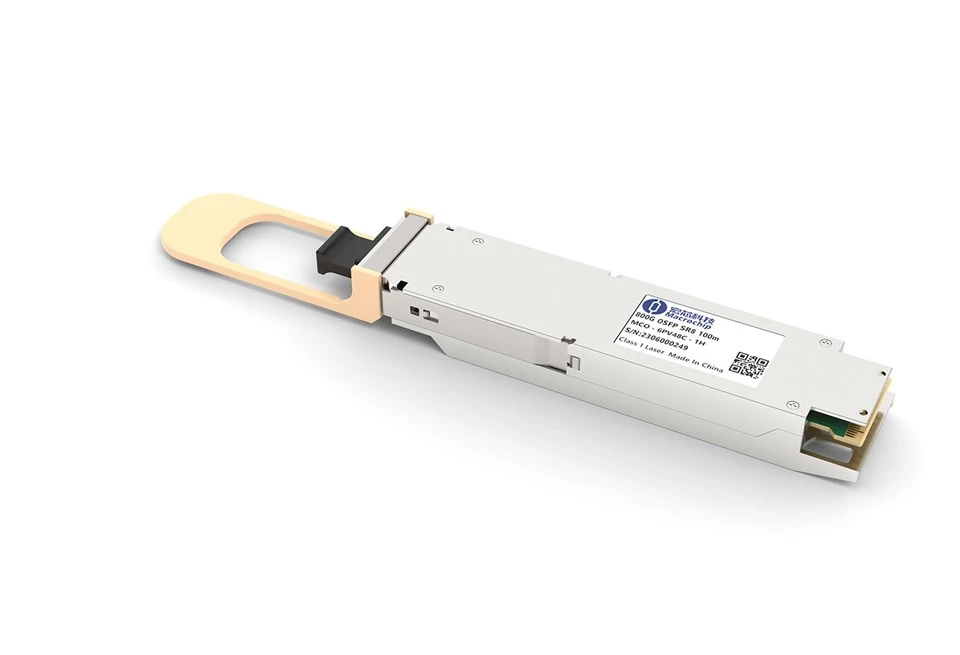
Check the physical condition of the module. Look for any signs of damage, such as cracks, bent pins, or scratches on the optical interfaces. Damaged modules may not function correctly and might need to be replaced. You can refer to our 800G OSFP SR8 product page for detailed specifications and appearance information.
Inspect the fiber optic cables connected to the module. Make sure they are not kinked, bent sharply, or damaged. A damaged cable can significantly degrade the optical signal quality. Ensure that the connectors on the fiber cables are clean and properly attached to the module. Dirty or misaligned connectors can cause signal attenuation or reflection.
2. Power and Compatibility Checks
Verify that the power supply to the device housing the 800G OSFP SR8 module is stable. Unstable power can lead to erratic behavior or complete failure of the module. Check the power indicators on the device to ensure that it is receiving the correct voltage.
Confirm the compatibility of the 800G OSFP SR8 module with the host device. Different devices may have specific requirements for optical transceivers. Ensure that the module's operating parameters, such as data rate, wavelength, and protocol, match those of the host device. Our OSFP 800G page provides comprehensive information about the compatibility and technical details of our products.
3. Software and Configuration Checks
If the host device has software - based management capabilities, check the device's configuration settings related to the 800G OSFP SR8 module. Incorrect configuration can prevent the module from functioning properly. Make sure that the correct port settings, such as speed, duplex mode, and flow control, are configured.
Update the device's firmware to the latest version. Sometimes, firmware bugs can cause issues with the optical transceiver. Manufacturers often release firmware updates to fix bugs, improve performance, and enhance compatibility. However, before updating the firmware, make sure to back up any important data and follow the manufacturer's instructions carefully.
Check if there are any error messages or logs on the host device related to the 800G OSFP SR8 module. These messages can provide valuable clues about the root cause of the problem. Analyze the error codes and descriptions to identify potential issues.
4. Performance Monitoring and Testing
Use network monitoring tools to measure the performance of the 800G OSFP SR8 module. These tools can provide information about the signal strength, bit error rate, and other key performance indicators. Compare the measured values with the module's specifications to determine if there are any performance issues.
Perform loopback tests if possible. A loopback test can help isolate the problem between the module and the host device. By connecting the transmit and receive ports of the module together, you can check if the module can transmit and receive signals internally. If the loopback test fails, it indicates a problem with the module itself.
If the problem persists after performing the above steps, it may be necessary to replace the 800G OSFP SR8 module. As a reliable supplier, we offer high - quality 800G OSFP SR8 modules that are rigorously tested to ensure optimal performance.
5. Advanced Troubleshooting
In some cases, the issue may be related to the optical environment. Check the ambient temperature and humidity around the module. High temperatures can cause the module to overheat, leading to performance degradation or failure. Make sure that the device housing the module has proper ventilation to dissipate heat effectively.
If multiple 800G OSFP SR8 modules are installed in a system and only one is experiencing problems, try swapping the module with a working one. This can help determine if the problem is with the module or the slot in the host device.
If you suspect that the optical signal is being affected by external interference, such as electromagnetic interference (EMI), check the installation environment. Make sure that the module and fiber optic cables are not placed near sources of strong electromagnetic fields, such as power cables or large electrical equipment.
Conclusion
Troubleshooting 800G OSFP SR8 failures requires a systematic approach. By following the steps outlined in this blog, you can effectively identify and resolve most common issues. However, if you are still unable to solve the problem, our technical support team is always ready to assist you.
We are committed to providing high - quality Optical Module 800G products and excellent customer service. If you are interested in purchasing our 800G OSFP SR8 modules or have any questions about our products, please feel free to contact us for procurement discussions. We look forward to serving you and meeting your optical communication needs.
References
- Industry standards and specifications for 800G optical transceivers
- Technical documentation provided by the host device manufacturer
- In - house testing and troubleshooting experience of our technical team